

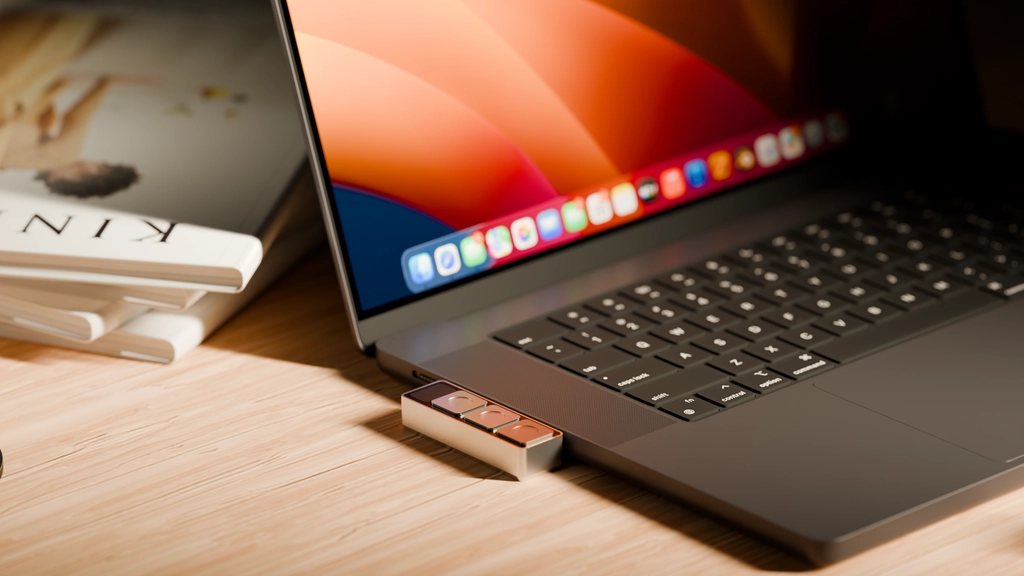
Project Mirage announced the launch of Dune, a Context Aware Keypad for Mac that adapts to what you do and automatically changes what its three keys do based on whichever app is in the foreground – turning repetitive, multi-step actions into a single press. Combining premium hardware with intelligent software, the Dune Keypad introduces a new category of context aware devices for automating daily workflows, one that blends simple tactile control, customizable triggers and agentic workflows into a single elegant interface.
Dune connects directly to your Mac’s USB-C port and works alongside the Dune Mac app, which reads the active foreground app and displays the current meaning of all three keys in the bottom left corner of your screen, updating automatically as you switch between apps.
Each key on Dune can trigger developer shortcuts across GitHub, VS Code, and Claude; one-click meeting controls for Zoom, Teams, and Google Meet; or any custom script or agentic workflow built through the Dune Marketplace. The keypad becomes a personalized command center that maintains itself. With the right context and the right agent behind it, a single button on Dune can become extremely powerful.
The device also features a Claude-powered setup, enabling users to configure their entire Dune experience through a conversation, such as changing scripts, adding shortcuts, or building custom workflows from scratch, with no manual configuration required.
Dune is designed for these groups:
- People who live in back-to-back meetings: Dune syncs with your calendar and surfaces the meeting link two minutes before every call, with one key to join directly and another to send a running late email to attendees. During a call, Key 1 becomes a mic toggle, Key 2 a camera toggle, and a single press brings the active meeting window to the front from wherever you are on your screen. All three keys are fully configurable, with support for tools like Granola, custom meeting agents, and automated follow-ups the moment a call ends.
- Developers who context-switch all day: Dune detects which dev tool you are in and maps its three keys to the actions you reach for most, across GitHub, VS Code, and Claude. In GitHub, that means Approve PR, Reject PR, and Merge PR. In Claude, Accept, Reject, and Check Limits. All without clicking through menus or switching windows.
- Power users who want to build their own: Dune lets you assign any shortcut sequence, URL, custom scripts or agentic workflows to any of its three keys. If you can write it, Dune can run it.
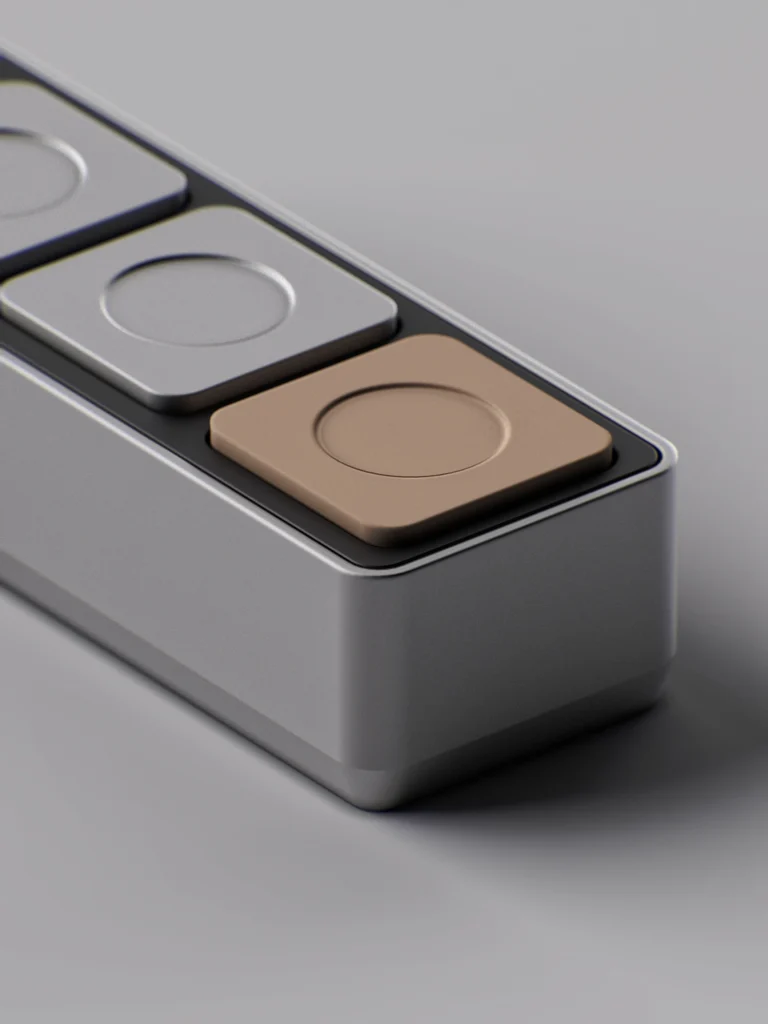
Dune is designed to be highly customizable. Users can assign their own scripts, agents, and shortcuts for any application to any of its three keys. The team recently launched the Dune Marketplace, where users can browse and install scripts and agentic workflows built by the community. Alongside this, Build with Claude connects Dune’s MCP directly with Claude, letting users build complex agentic workflow triggers simply by describing what they need.
Dune is CNC machined from aluminum with mechanical scissor-switch keys built for a crisp, tactile feel. It’s designed to sit flush with MacBook Air 13 and 15 inch (M2 or later) and MacBook Pro 14 and 16 inch (M1 Pro or later). Compatible with other Macs running macOS Monterey and above with a USB-C adapter. No subscription required on the Dune app.
Each Dune arrives nestled in sand, a reflection of why we called it Dune in the first place. A sand dune is never one thing. It shifts, quietly and constantly, shaped by whatever surrounds it. That is what these three keys do. They observe what you are doing and become what you need, right then. A meeting remote when you are on a call. A trigger to raise a PR when you are on GitHub. A shortcut to launch your custom agent. It does not ask you to adapt to it. It adapts to you.
Dune is shipping and available for $119 at https://www.projectmirage.ai/
